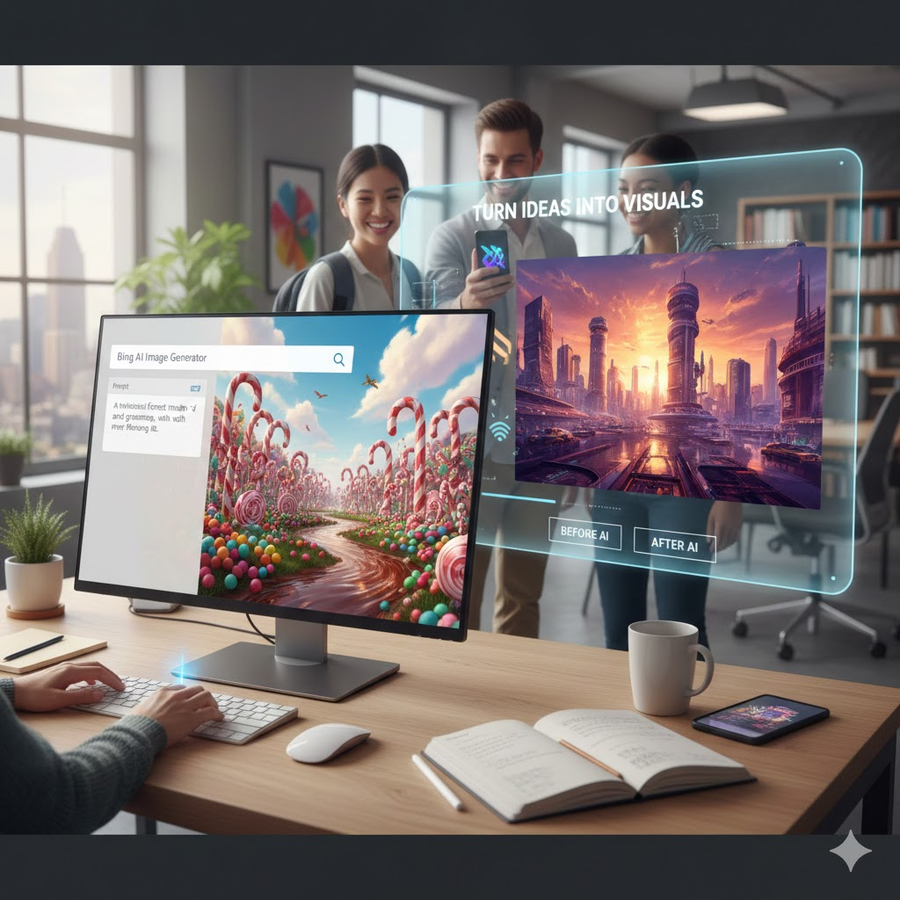
The Bing AI Image Generator is Microsoft’s free AI tool that lets anyone create realistic, artistic, and professional-quality images simply by typing a description. Built using advanced AI models like DALL·E 3, this tool has quickly become one of the most popular online image generators.
Whether you’re a designer, marketer, student, blogger, business owner, or content creator, the Bing AI image generator helps you turn your ideas into visuals within seconds.
In this guide, you’ll learn:
- How the Microsoft Bing AI Image Generator works
- How to create high-quality images with prompts
- Best features and real examples
- Tips for writing better prompts
- Common issues and solutions
- Whether it’s better than other AI tools like Midjourney or Canva
Let’s dive in.
What Is the Bing AI Image Generator?
The Bing AI Image Generator is a free online AI tool built by Microsoft that uses DALL·E 3, OpenAI’s advanced image generation model. It allows you to create:
- Realistic photos
- Anime characters
- 3D renders
- Logos
- Posters
- Wallpapers
- Product mockups
- Art styles of all kinds
All you need to do is type a prompt like:
“A futuristic blue sports car driving through neon Tokyo streets at night, hyper-realistic, 4K.”
The tool will instantly generate four images.
How Does the Microsoft Bing AI Image Generator Work?
To use the Microsoft Bing AI image generator, follow these simple steps:
Step 1: Visit the Image Creator
Go to:
https://www.bing.com/images/create
Step 2: Sign in with a Microsoft account
You need a free Microsoft account to access unlimited features.
Step 3: Enter a prompt
Describe the image you want with as much detail as possible.
Step 4: Generate images
The AI creates 4 variations based on your prompt.
Step 5: Download or edit
You can download, upscale, or refine the images.
It’s fast, free, and beginner-friendly.
Key Features of the Bing AI Image Generator
Below are the top features that make Bing one of the leading free AI image generators.
Powered by DALL·E 3 (Cutting-Edge AI Model)
The latest model generates:
- Higher accuracy
- Better realism
- Cleaner details
- Improved background consistency
- Enhanced text rendering
Free & Unlimited Image Creation
Most AI image tools charge money.
Bing lets you create unlimited images free.
Multiple Art Styles
You can generate images in:
- Realistic photography
- Watercolor
- Cyberpunk
- Anime/manga
- Pixel art
- Oil painting
- Retro vintage
- Fantasy concept art
- 3D renders
Built-in Editing Tools
You can:
- Remove backgrounds
- Crop
- Resize
- Enhance quality
- Add elements
Works on Mobile & Desktop
Responsive design makes it easy for anyone.
Why Is the Bing AI Image Generator So Popular?
✔ Free to use
Many tools like Midjourney require paid subscriptions.
Bing is completely free.
✔ High-resolution images
The output quality is almost professional level.
✔ User-friendly
Zero learning curve — just type and generate.
✔ Fast processing
Images are ready in seconds.
✔ No watermarks
Your images are clean without restrictions.
How to Write Perfect Prompts for the Bing AI Image Generator
To get high-quality results, you must write strong prompts.
Follow this structure:
1. Subject
Who or what is the main focus?
Example:
“A Pakistani male model”
2. Style
Realistic? Anime? 3D art?
3. Background
Mountains? City? Studio?
4. Details
Lighting, colors, mood, angles
5. Quality
4K, HD, hyper-realistic
Best Prompt Formula
[Subject] + [Style] + [Background] + [Details] + [Quality]
Example:
“A futuristic robot standing in a neon-lit cyberpunk street, glowing blue lights, cinematic atmosphere, ultra-realistic, 4K.”
Best Example Prompts for the Bing AI Image Generator
Here are ready-to-use prompt examples:
1. Realistic Portrait
“Close-up portrait of a young South Asian woman wearing a shalwar kameez, soft lighting, warm tones, Canon EOS style, hyper-realistic 8K.”
2. Anime Character
“Cute anime girl with long pink hair, sparkling eyes, cherry blossom background, vibrant colors, HD.”
3. Product Photography
“Minimalist product photo of a black smartwatch on a marble table, natural shadows, studio lighting, crisp details.”
4. Logo Design
“Modern logo design of a phoenix bird, minimal, flat colors, vector style.”
Is the Bing AI Image Generator Better Than Other Tools?
Here’s a comparison:
| Tool | Price | Quality | Ease of Use | Best For |
| Bing AI Image Generator | Free | Excellent | Very Easy | Beginners, quick images |
| Midjourney | Paid | Best quality | Medium | Artists, advanced users |
| Canva AI Image | Freemium | Good | Very Easy | Social media designers |
| Leonardo AI | Freemium | Great | Easy | 3D & gaming |
| Stable Diffusion | Free/Open-source | High | Complex | Developers |
Verdict:
For most people, Bing is the best free AI image generator due to its speed, quality, and accessibility.
What Can You Create With the Bing AI Image Generator?
✓ Social media graphics
✓ Blog feature images
✓ YouTube thumbnails
✓ Digital art
✓ Wallpapers
✓ Posters & flyers
✓ AI characters & avatars
✓ Product mockups
✓ Book covers
✓ Cartoon & anime scenes
The possibilities are endless.
Common Problems & Solutions
1. “This prompt may violate policy”
Solution:
Avoid violent, political, or explicit content.
2. “Image failed to generate”
Solution:
Reword your prompt using simpler terms.
3. “Blurry or low-quality images”
Solution:
Add:
- “4K”
- “high resolution”
- “sharp details”
- “hyper-realistic”
4. “Not matching the description”
Solution:
Be more specific about:
- Colors
- Age
- Location
- Angle (front/side/top)
- Style
Tips to Get Better Results With the Bing AI Image Generator
✔ Use descriptive adjectives
Examples:
• vibrant
• cinematic
• dramatic lighting
• symmetrical
✔ Specify camera angles
- Close-up
- Wide shot
- Aerial view
- POV
- Side profile
✔ Add lighting effects
- Soft light
- Neon glow
- Golden hour
- Rim lighting
✔ Avoid vague prompts
Bad: “A cat in a park”
Better: “A fluffy white cat sitting on green grass in a sunny park, soft warm lighting, 4K.”
✔ Use negative prompts
Bing doesn’t support official negative prompts, but you can write:
“without distortion, clean background, no extra objects.”
Is the Bing AI Image Generator Safe?
Yes. Microsoft uses strong safety tools to block:
- NSFW content
- Harmful images
- Copyrighted personalities
- Violence
It also gives a usage license for most images, making it suitable for commercial use (but always double-check).
Frequently Asked Questions (FAQs)
1. Is the Bing AI Image Generator free?
Yes, it is completely free to use with a Microsoft account.
2. Does the Bing AI Image Generator use DALL·E 3?
Yes. It uses OpenAI’s latest DALL·E 3 technology for high-quality output.
3. Can I use Bing AI images commercially?
In most cases, yes — but verify licensing before commercial use.
4. Why are my images low quality?
Use more detailed prompts and include “4K,” “HD,” or “high-resolution.”
5. Does Bing AI allow realistic human photos?
Yes, but it restricts generating real-world people or copyrighted individuals.
6. Can I edit AI images after generating them?
Yes, Bing allows cropping, resizing, background removal, and enhancements.
Conclusion
The Bing AI Image Generator is one of the most powerful, free, and easy-to-use AI tools today. Whether you’re creating images for business, social media, blogging, design, or personal projects, this tool gives you limitless creativity with just a prompt.
It’s fast, accurate, and built on the advanced DALL·E 3 model — making it a perfect solution for beginners and experts alike.What’s your experience with the Bing AI Image Generator?
Let me know in the comments below!
About the Author
